Workflows automate permitting, licensing, and other processes so you have less to worry about in your busy day.
Problems with Manual Processes
Inboxes cluttered with form submissions
Manually assigning tasks
Copy/pasting information into email templates
Stuffing renewal notices into envelopes and waiting weeks for responses
Emailing back and forth to set up appointments
But Workflows Automate...
Getting the right information to the right person
Task assignments and follow-up
Routine emails
License renewals
Scheduling directly on your calendar
Workflow Features
Important community information gets lost in crowded inboxes and busy lives. These features ensure your messages reach residents when they need them most.
No-Code/Low-Code Functionality
Many basic workflows can be created or edited by non-technical staff, but some more complex automations can be enhanced with coding.
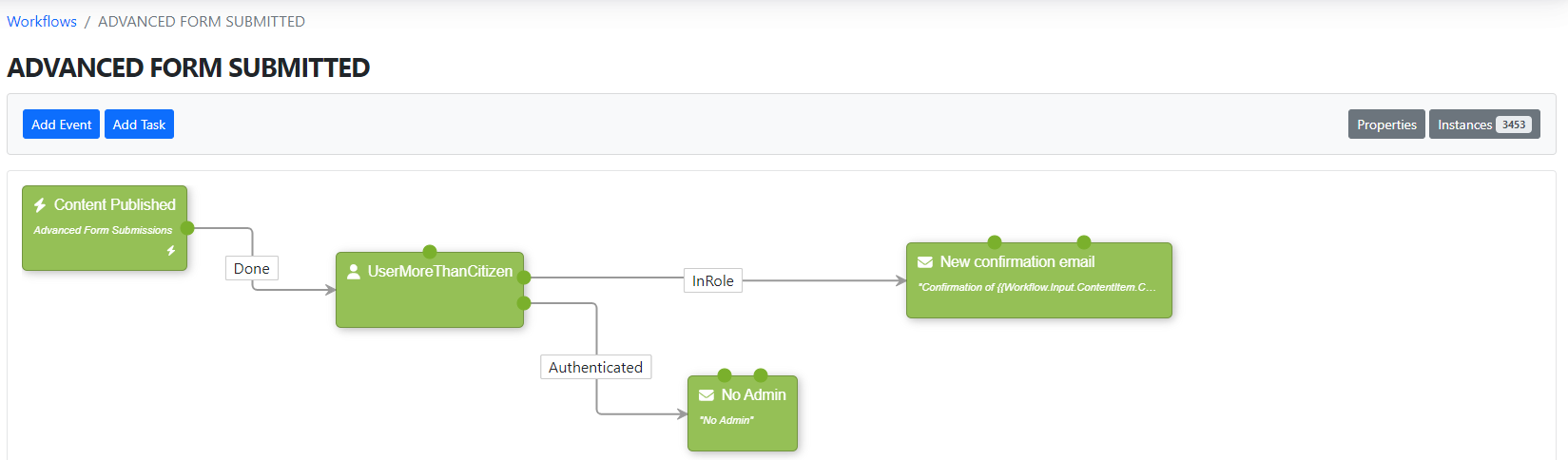
Graphical Interface
Visualize the order of events and tasks.
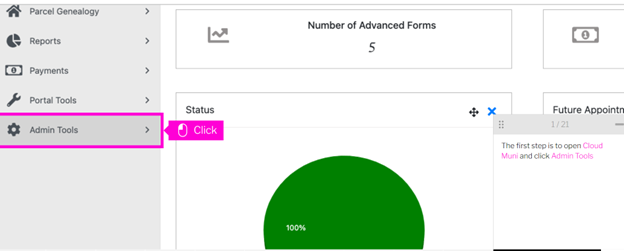
GovBuilt Training Tutorials
Robust Training Resources
Help desk articles and tutorials ensure you can keep your workflows updated as your agency’s needs change.
Graphical Interface
Visualize the order of events and tasks.
GovBuilt Training Tutorials
Your community's story, beautifully told.
Events start a workflow when a particular event occurs, like when a form is submitted, web content is created, a user is enabled or disabled, etc.
Workflow Trigger Event
Your community's story, beautifully told.
Attach an item to a case
Create content
Delete content
Send an email
If/then logic
Create a log entry
Change case status
Display a notification
Publish/unpublish content
Update a case or license task
Assign a value to a property
Assign a task or approval
Archive data
Create a calendar item
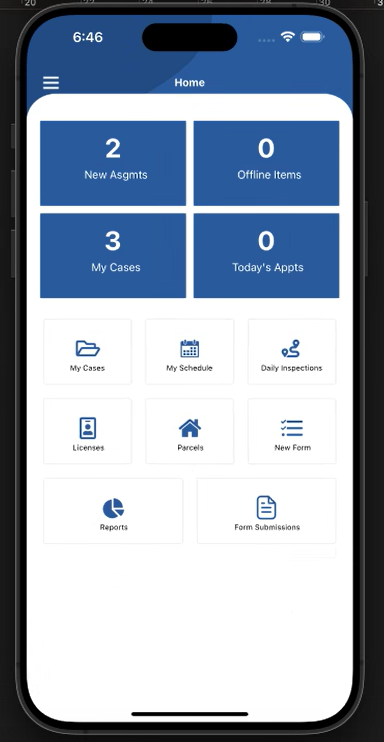
Tasks List on Mobile Device
Types of Workflows
Every workflow should be a smooth digital experience.